A mobile responsive website for small business keeps calls, bookings, and sales within reach. See what it needs and how to get it built without delays.
Affordable Website Design Under 100 Dollars
A plumbing company without a website loses calls to the company that shows up first in search. A salon with only a social profile makes it harder for new clients to see prices, services, and booking details. Affordable website design under 100 dollars is not about settling for something embarrassing. It is about getting a real business presence live quickly, without being trapped in a $3,000 agency proposal or a monthly payment you never planned for.
For many small businesses, a simple website is the right first move. You need a place customers can trust, a clear way to contact you, and a professional look on phones and computers. You do not need six months of meetings, a pile of technical terms, or an inflated invoice for a basic site.
What Affordable Website Design Under 100 Dollars Should Include
At this price point, the goal is a focused, professional starter website. It should explain what you do, who you serve, where you serve, and how customers can reach you. A clean home page, service details, contact information, business hours, and a clear call to action can do a lot of work for a local business.
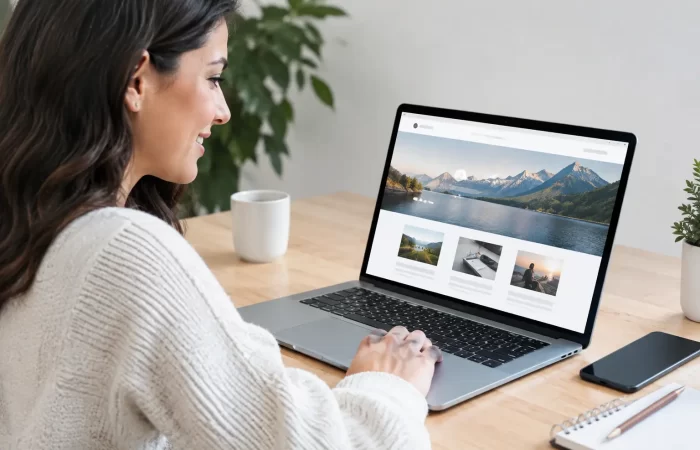
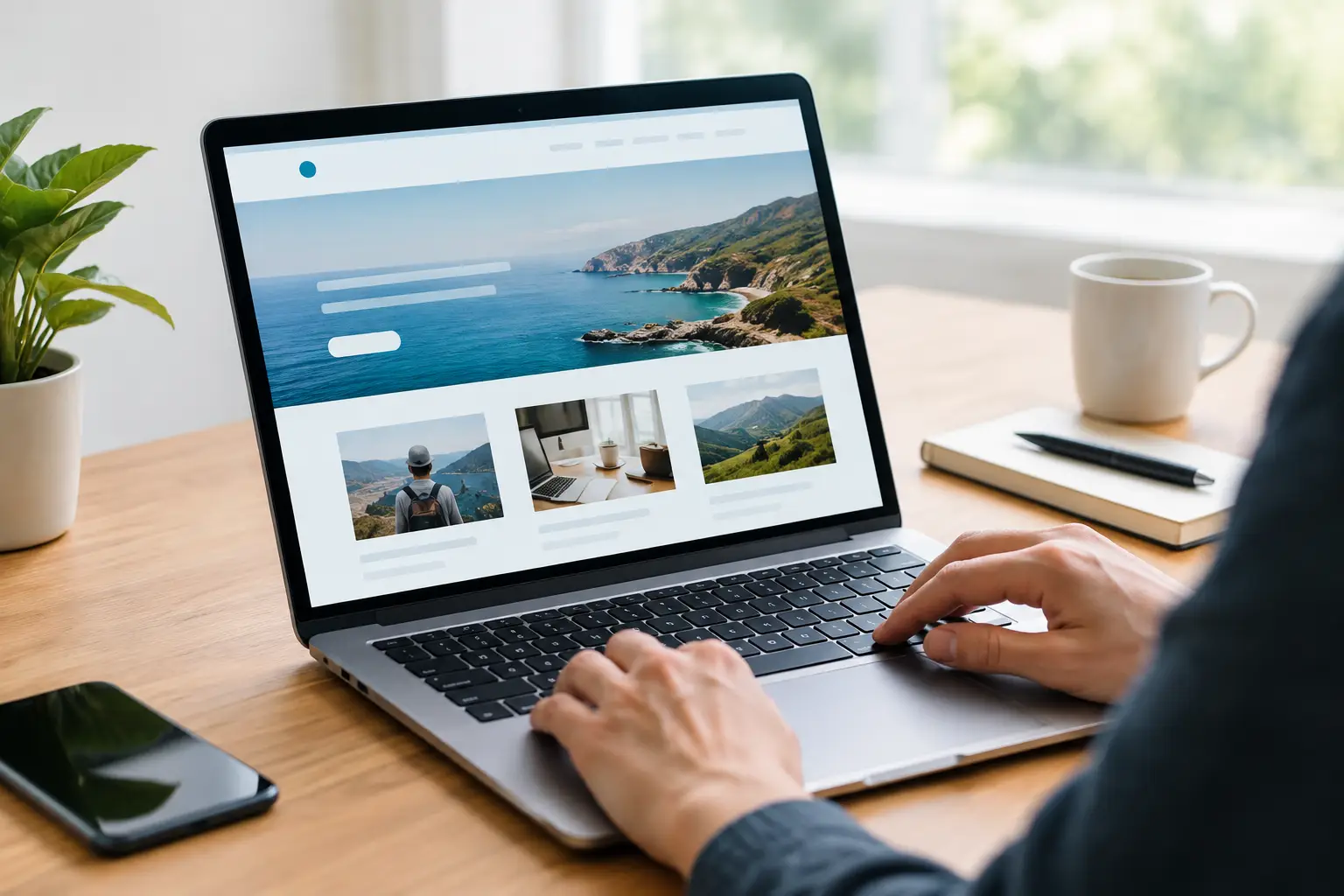
Mobile responsiveness is non-negotiable. Most customers are looking you up from a phone, often when they need help right now. Your site should be easy to read, easy to tap, and easy to contact from a small screen. If a visitor has to pinch, zoom, or hunt for your phone number, they may leave and call someone else.
You should also expect a design that reflects your business, not a generic page with your logo dropped into the corner. A good value-priced provider can organize your content, use your brand colors, place your photos or service images where they matter, and create pages that guide visitors toward calling, requesting a quote, or making an appointment.
The exact scope matters. Under $100 typically means a streamlined website with a defined number of pages and standard features. That is fair. A five-page local service site and a custom online marketplace are not the same project, and any company pretending they are will create problems later.
The Price Is Low. The Expectations Should Still Be Clear.
Low-cost web design gets a bad reputation because some providers make big promises and deliver a half-finished template. Others advertise a cheap starting price, then pile on fees for basic needs such as mobile formatting, contact forms, edits, or publishing the site.
Ask what is included before you begin. You should know how many pages are part of the package, whether revisions are allowed, how long delivery takes, and what information you need to provide. If you already have a logo, photos, service list, and phone number, great. If you do not, ask whether the team can help write basic copy or find suitable visuals.
A clear process keeps the project moving. Most small business owners do not have time to become website experts. They need someone who can take a few details – business name, services, service area, contact information, and a few examples of websites they like – and turn those details into a finished site.
That is the difference between affordable and cheap. Cheap leaves you with work you cannot use. Affordable gives you a practical result without making you pay for things you do not need yet.
Where a $99 Website Makes the Most Sense
A budget-friendly website is especially useful when your business needs credibility and lead generation more than complex technology. Home service companies, consultants, barbers, churches, cleaning businesses, local restaurants, fitness coaches, real estate professionals, and new startups often benefit from a simple site first.
For example, an electrician may need a home page, a services page, a service-area page, an about page, and a contact page. A visitor should immediately see that the electrician serves their city, handles the job they need, and can be reached by phone or form. That site does not need a custom-built client portal on day one.
The same is true for a new beauty brand selling by appointment. Start with services, pricing guidance, gallery images, location details, and a booking path. Build the foundation first. Add advanced features when the business is ready to use them.
Web For 99 is built around this practical approach: get businesses online in days, not months, with hands-on support instead of agency runaround.
Know When Your Project Needs More Than a Starter Site
A website under $100 can be the beginning of your online presence, but it cannot reasonably include every possible feature. An eCommerce store with dozens of products, shipping rules, payment setup, inventory management, and product variations requires more setup. So does a website with memberships, custom calculators, account dashboards, appointment integrations, or advanced animations.
That does not mean you need to wait to launch. It means you should separate what your business needs now from what would be nice later. Start with a strong informational site, then add online sales, booking, SEO content, or custom functionality as demand grows.
Be careful with anyone who says every feature is included for one tiny flat price. A custom quote calculator, for instance, takes planning and programming. It should be priced honestly. Transparent upgrades are better than surprise charges or a broken feature that never works correctly.
How to Get Better Results on a Small Budget
The fastest way to delay an affordable website is to provide no information and expect the designer to guess. You do not need polished marketing copy, but a simple outline helps. Write down your main services, the areas you serve, your preferred phone number and email, your hours, and the action you want visitors to take.
Choose one main goal for the site. A roofer may want quote requests. A restaurant may want calls and directions. A consultant may want consultation bookings. When every page supports one clear next step, the site feels more focused and is easier for customers to use.
Photos matter, but they do not have to be perfect. Real photos of your team, work, storefront, or products can build trust quickly. If you do not have them, professional stock images can help create a polished starting point. Avoid blurry photos, screenshots with tiny text, and images pulled from other businesses.
Keep your first version lean. A website is not a printed brochure that can never change. You can add a new service page, testimonials, project photos, blog posts, or an online store later. Trying to launch with every idea at once is how small projects become expensive, slow projects.
Do Not Let Monthly Fees Sneak Up on You
There are real ongoing costs associated with a website, such as a domain name and hosting. Those are normal. What many business owners want to avoid is an endless monthly website payment just to keep access to a site that should already belong to them.
Before you hire anyone, ask who owns the finished website and what happens if you need changes later. Ask whether you can transfer the site, whether hosting is separate, and whether routine edits are available when your phone number, hours, or services change. Clear answers protect your business.
Some owners prefer to make their own edits. Others would rather text or email a team and have the work handled for them. Both are reasonable. The best option depends on your time, comfort level, and how often your business information changes.
A smart website does not have to start as a giant project. It has to make your business easier to find, easier to trust, and easier to contact. Get the essentials right, put your best foot forward, and give customers a reason to choose you before they choose the competitor down the street.
Related Posts